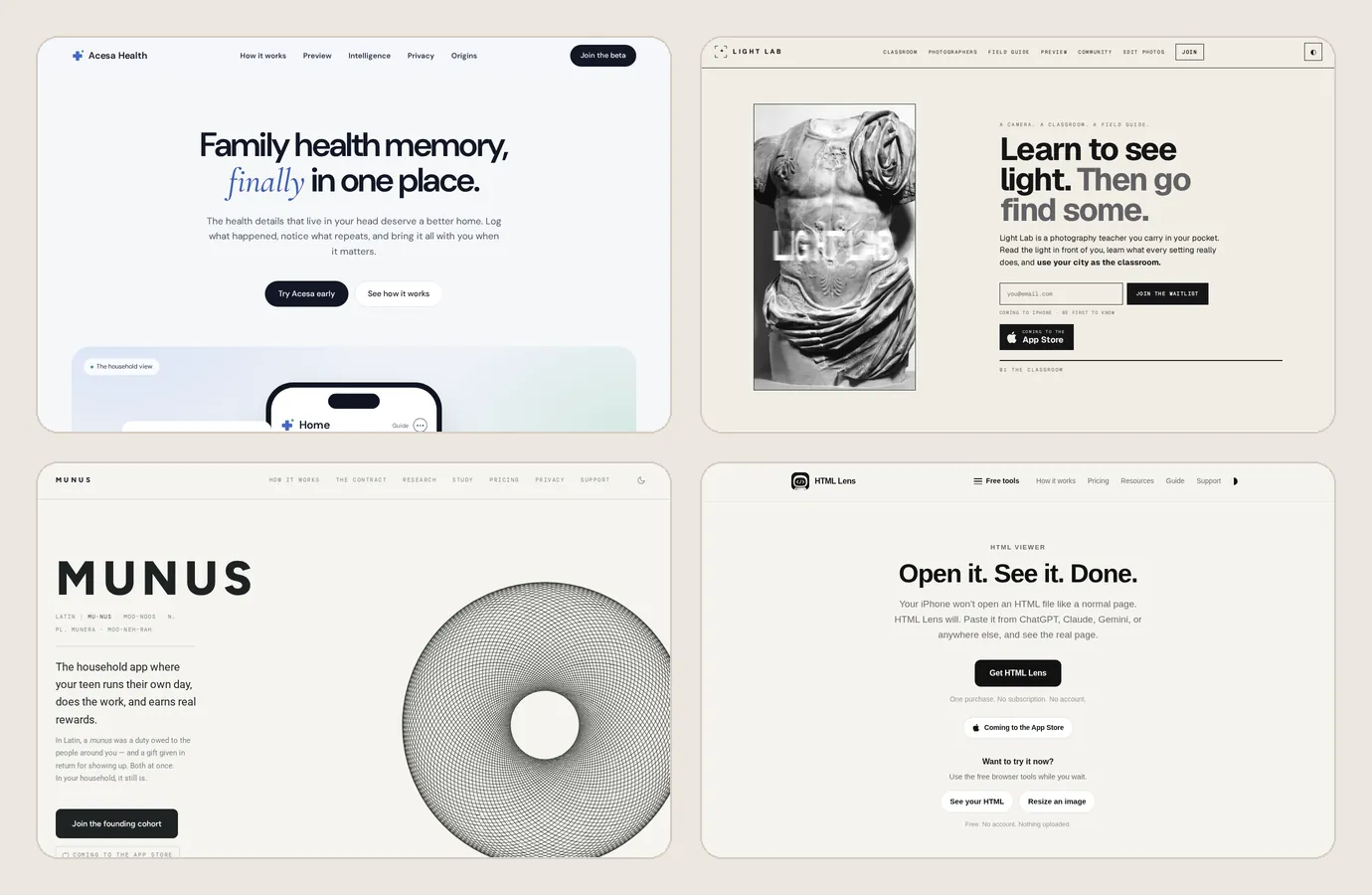
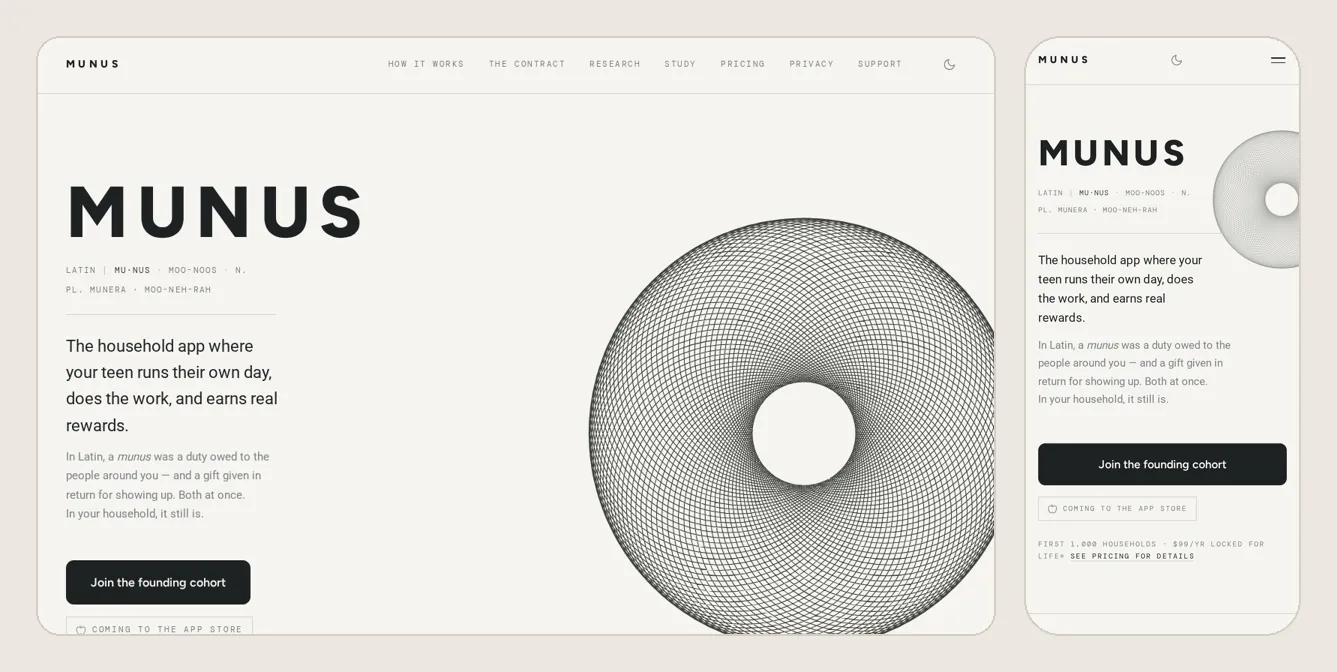
Start with who the site helps and the one thing a visitor should be able to do. A simple public website can use this module after Workspace. A site with accounts, private information or paid access also needs the app path’s planning, storage and testing steps.
Claude, ChatGPT and Polar can all help you plan. Paste this into one of them and answer its questions. You can also do these steps yourself.
With Polar: It can also run the searches in a real browser and save the links for you.
See the prompt
You are my website planner. Help me plan the public website for [my app's name]: [what it does], for [who it's for].

Ask me who the site is for, what they need help with and the one thing a visitor should do. Ask one question at a time. If I paste my answers, use them.

Start with a home page, help page and privacy page. Suggest another page only if it answers a real need. Explain each page’s job and the links we should put at the bottom.

If you can search the web, look for questions someone with this problem might ask. Say which findings you checked and which are guesses.

Write the plan as a short list I can save. Ask me before you guess.

If you work in my browser, ask me before paying, sending messages, posting or deleting anything. Let me type passwords and sign-in codes myself.
Write short answers. They become the plan for your whole site.
You’re done when: Your notes say who the site helps, what it does and what a visitor should do next.
Decide whether the site needs private accounts or a place where people can post things.
You’re done when: You have decided which pages are public and whether any need sign-in or sharing.
Try a few searches and save useful wording. Treat AI stands for Artificial Intelligence.Computer tools trained to do jobs such as answering questions, making pictures or writing code. They can make mistakes, so you still check the work.For example: Ask an AI to suggest Lunchbox screens, then decide which ones help a parent.Still unclear? Ask your AI: “Explain AI in even plainer English. Use an example from my app.” suggestions as ideas to check.
You’re done when: You have tried a few searches and saved useful questions and links.
Start small. You can always add more later.
You’re done when: Each planned page has a clear purpose and a next action.
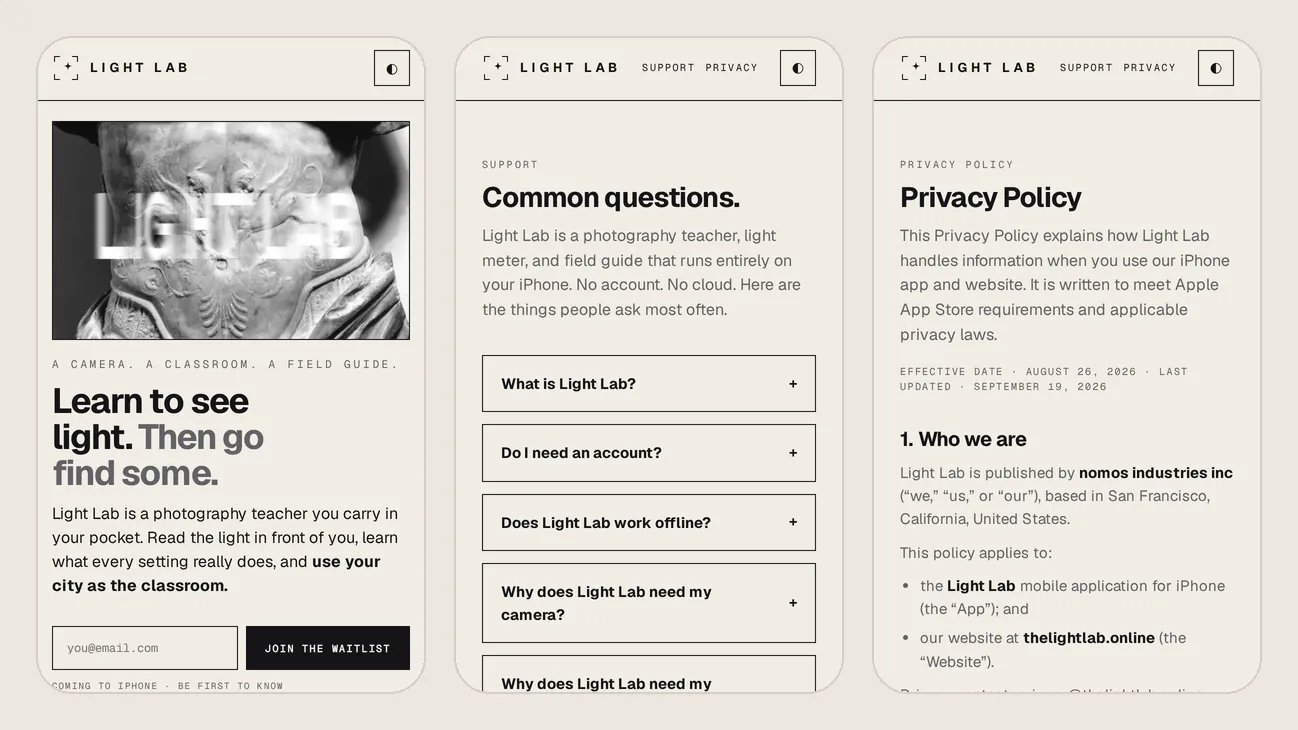
This area is called the . It helps people find help, privacy information and other pages.
You’re done when: Your page plan lists the help, privacy and other footer links, including which pages you still need to create.